

Fits perfectly into your solution
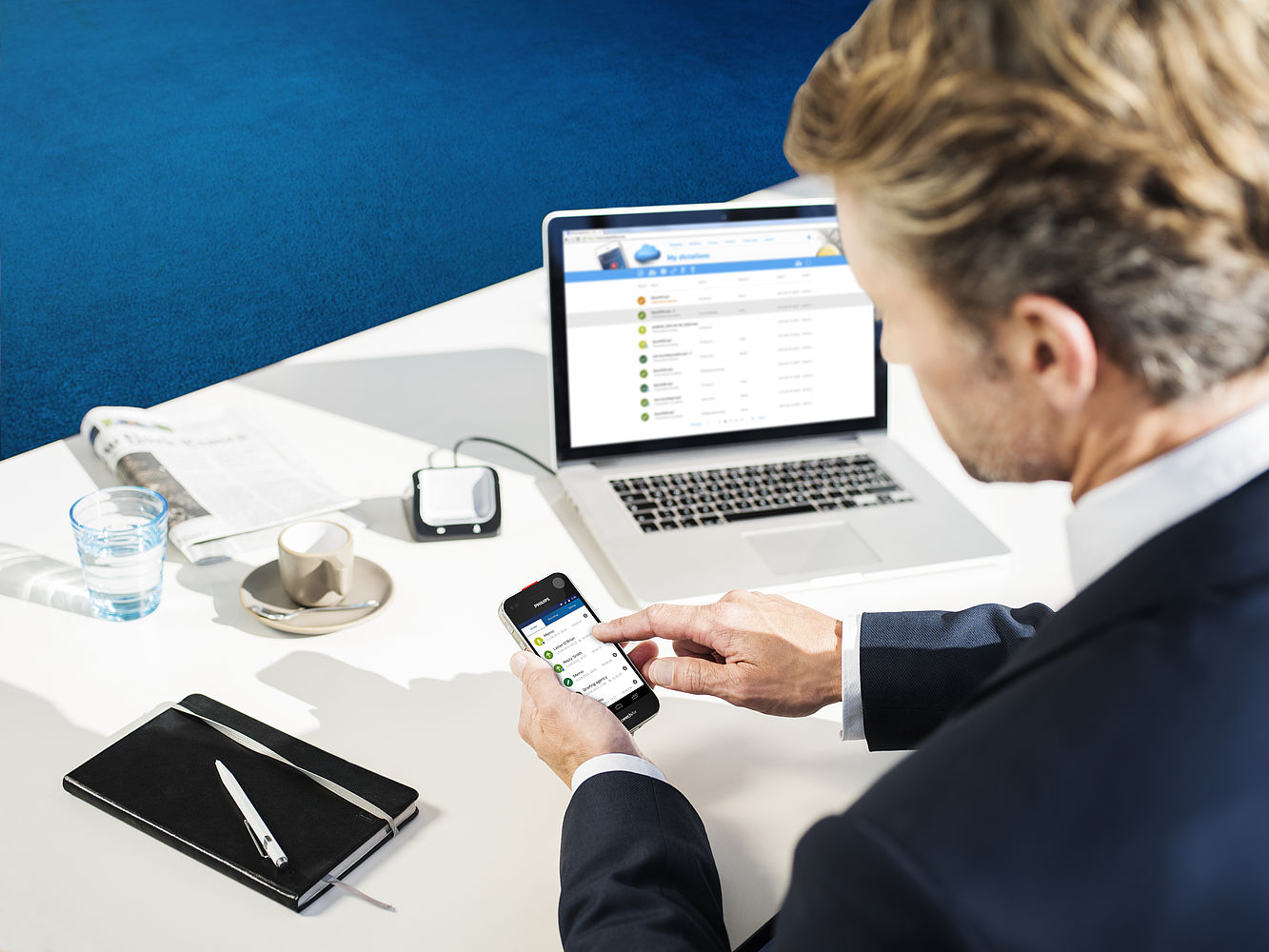
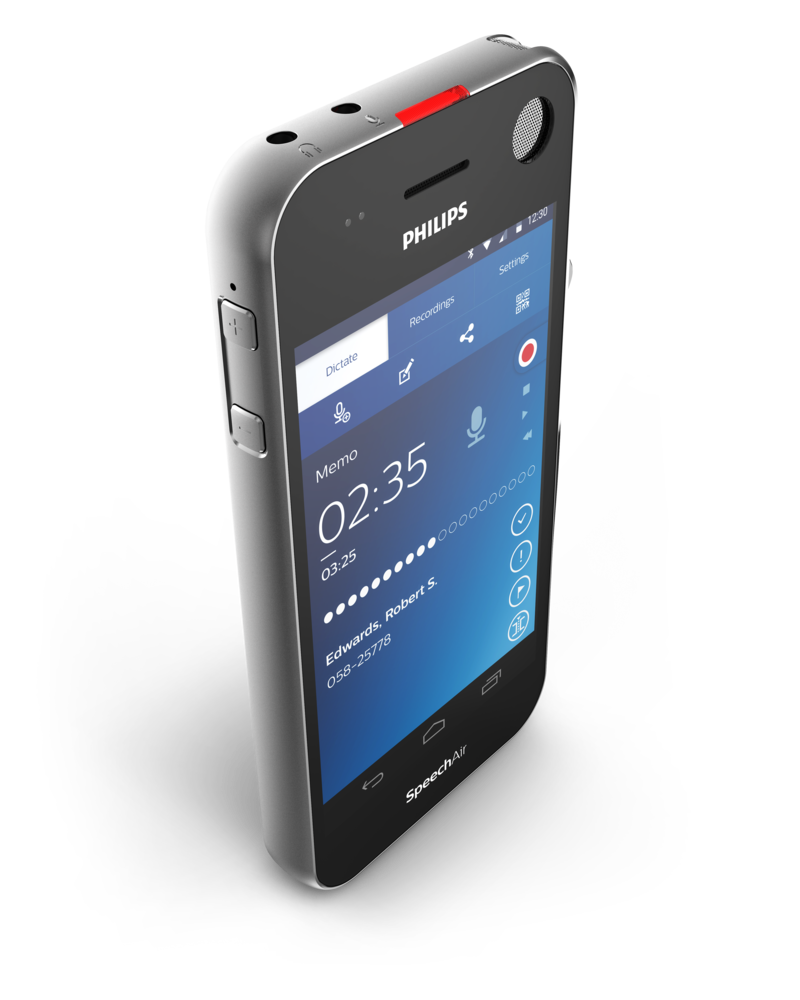
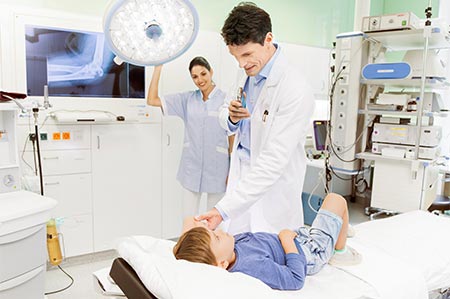
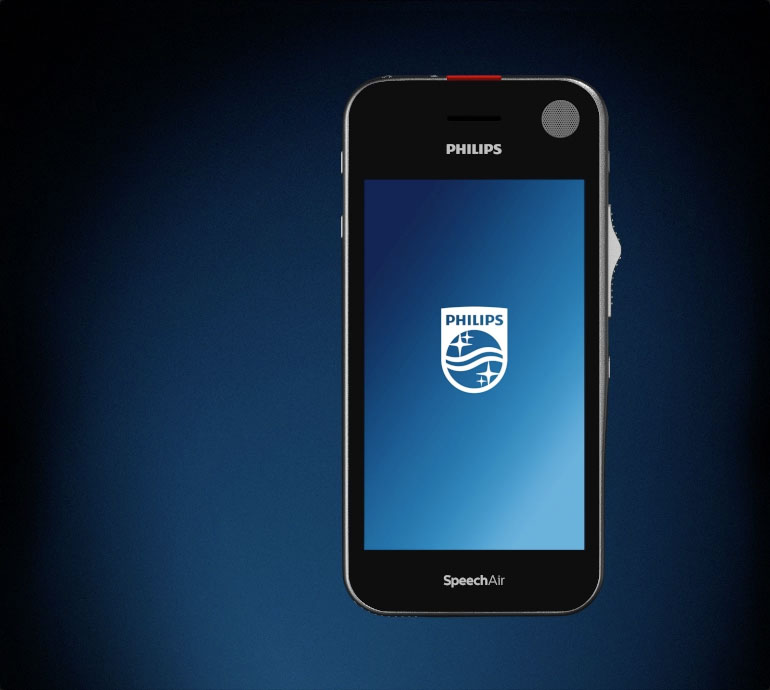
The SpeechAir smart voice recorder fits perfectly into your existing workflow solution. Using the hardware software development kit (HW SDK), you can easily integrate your SpeechAir to your hospital information system (HIS) to access patient data directly. The devices can be remotely configured by an administrator, saving you time and resources. You can use the pre-installed Philips dictation app or customize your own app using the App software development kit (App SDK). SpeechAir uses an Android operating system, meaning the devices are intuitive to use for users, saving you training time.
Highlights
 3 microphones
 Wi-Fi & Bluetooth
 Security
 Antimicrobial & Gorilla Glass
 Camera
 Ergonomic slide switch
 Docking station
 Dictation app
 Android
 Integration
3 microphones
Three professional microphones deliver ultimate sound quality in any recording situation.
DetailsAntimicrobial & Gorilla Glass
Special housing and glass protects your device from germs and damage.
DetailsDocking station
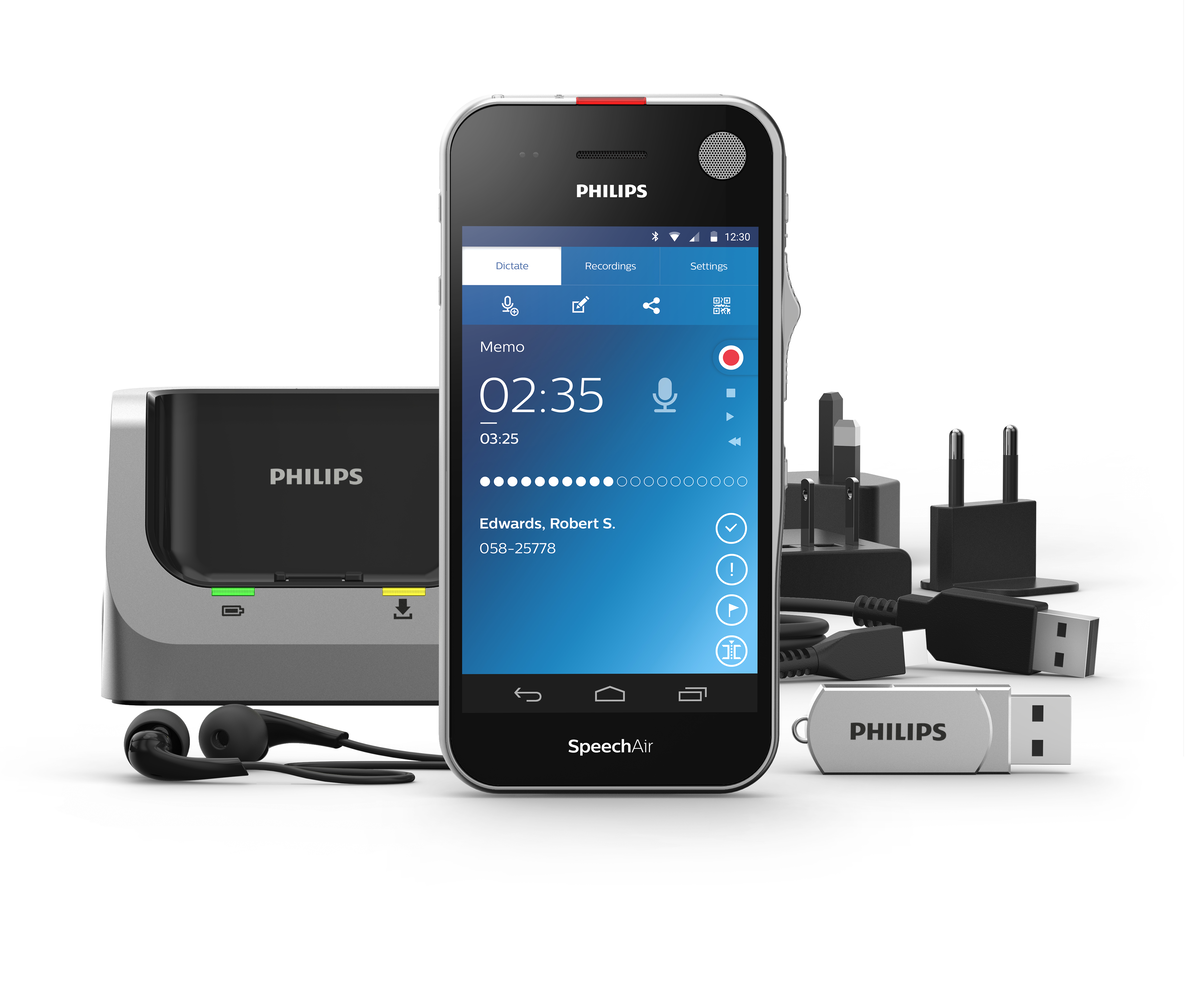
The included docking station instantly transfers your files and quickly re-charge your device.
DetailsUltimate recording quality
Crystal-clear recordings
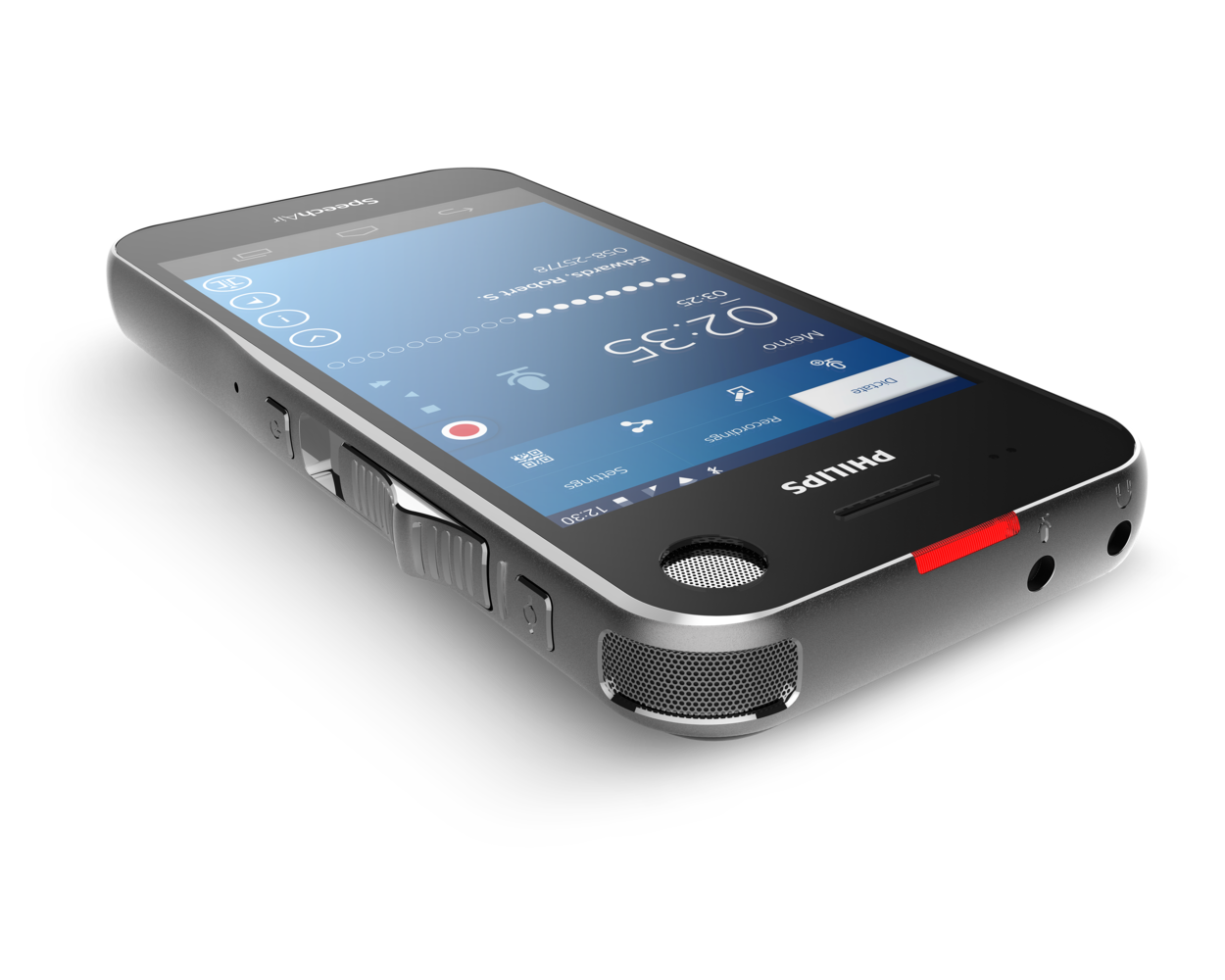
Three professional microphones deliver ultimate sound quality in any recording situation. The 360° microphone is ideal for recording dictations and meetings. For noisy environments, such as when dictating on a train or in a shared office, the directional microphone is best suited. It filters out background noise and records your voice perfectly for excellent playback as well as speech recognition results. You can even record clear VoIP calls with a third, dedicated microphone.

Always stay connected
Wi-Fi, LAN, USB and Bluetooth
Save time by transferring your finished recordings wirelessly to your transcription staff and directly accessing your clients' data in your document management system. Use Wi-Fi for VoIP calls and accessing your emails and calendar. Add flexibility by connecting a Bluetooth headset or speakers.

Maximum file security
Protect your recordings with up to triple encryption
Especially in the legal, financial and insurance sector, safeguarding confidential client information is paramount. This is why SpeechAir recordings are encrypted in real time using the Advanced Encryption Standard (AES) 256bit. The AES has been approved for the most highly classified government information. A PIN code protects the device itself against unauthorized use. Features such as the camera can be locked and Wi-Fi networks can be restricted for employees.

Perfectly protected device
Gorilla glass and anti-microbial housing
Gorilla glass makes the device scratch and shock resistant. The housing is made of antimicrobial synthetics. These materials work against bacteria and various microorganisms to ensure hygienic working. The device is shockproof according to US military standard 516.6.

Camera and barcode scanner
Attach photos to your recordings
The camera allows you to conveniently attach supporting photos to your dictations. When inspecting insurance claims or real estate for instance, you no longer need to carry an additional camera along with you. All your documents can be sent off immediately, no need to wait until you are back in the office. The SpeechAir camera also comes with an integrated barcode scanner. This enables you to instantly link client data to a recording just by scanning a QR- or barcode.

Wear-free slide switch
Outstanding ergonomics for prolonged use
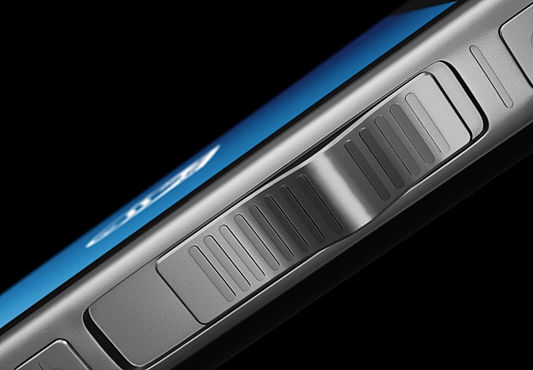
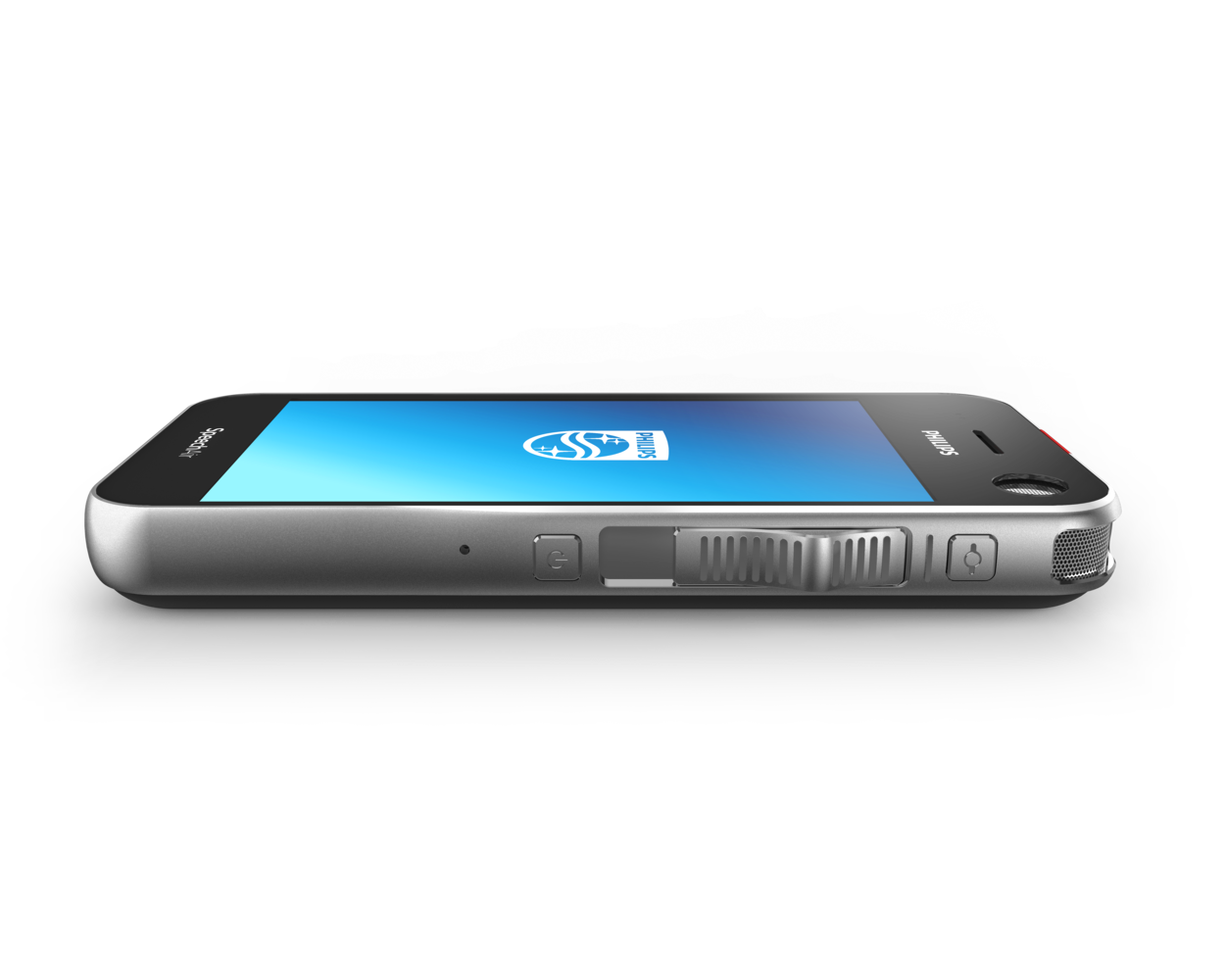
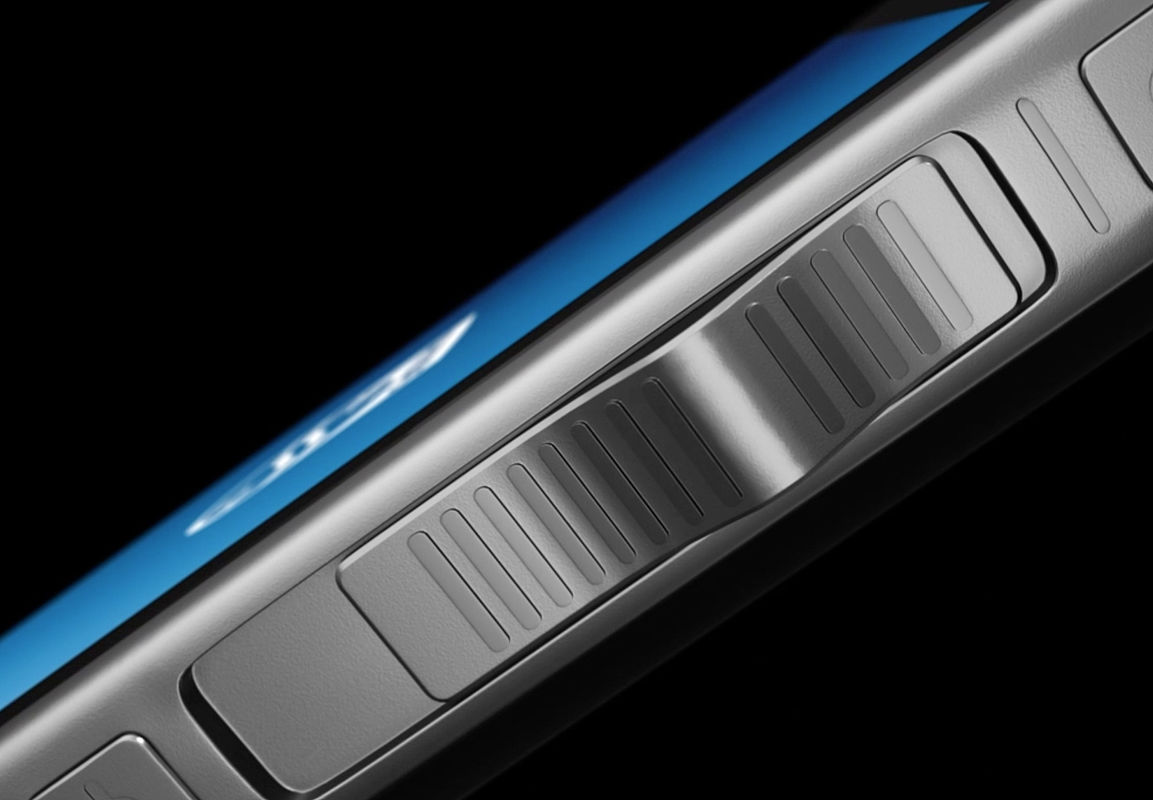
The ergonomic and wear-free slide switch is designed for efficient single-handed operation without having to look down at the device. It allows for quick and easy file operation (play, pause, stop, fast forward, fast rewind). A customizable function key above the slider gives quick access to the app.

Docking station
Instant file transfer and quick charging
The included superior docking station automatically transfers all your recordings to your computer and quickly re-charges your device. The LAN connection allows you to transfer your files directly from the station without having to use a computer. The dock comes with a Kensington lock. This antitheft system guarantees a peace of mind when leaving the dock unattended in offices.

Philips dictation recorder app
Professional dictation features for increased efficiency
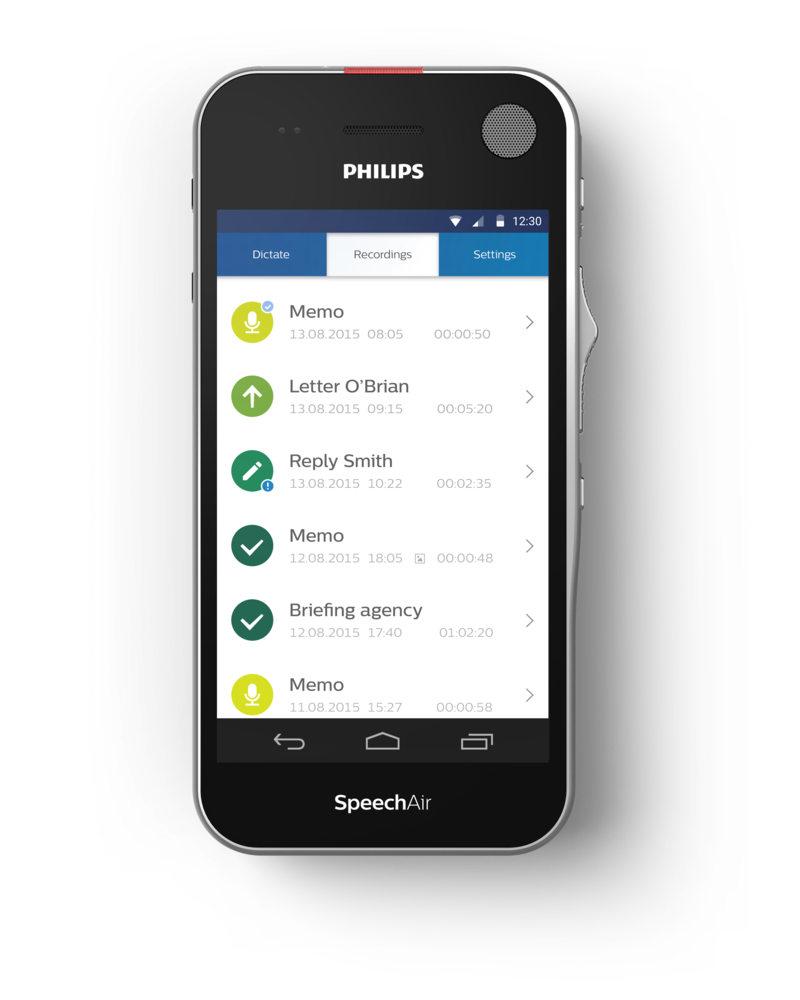
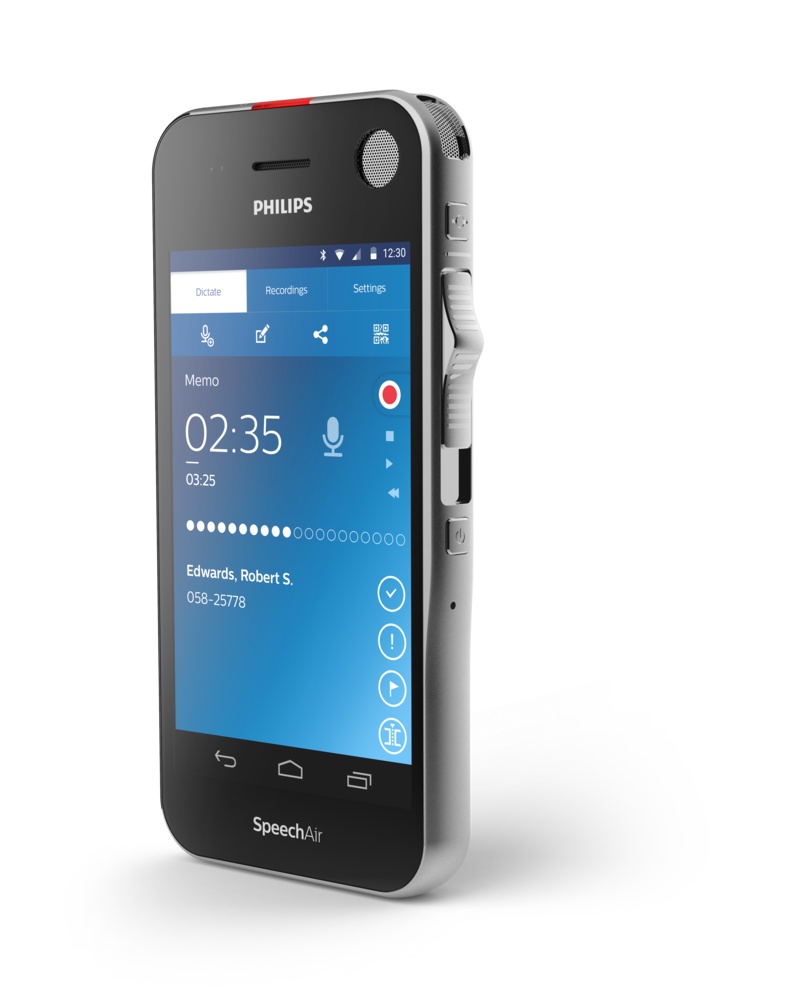
The integrated recorder app comes with professional dictation features such as editing modes, priority, EOL flag, enhanced data and dictation list as well as sending options (to network folder, Philips SpeechLive services or email recipients). The Dictation Mode enables you to use your device for dictation only. Functions and keys irrelevant for dictating are disabled allowing you to focus on your core task.

Android OS
Intuitive and secure operating system
Android is a secure and intuitive OS which allows you to install apps on your SpeechAir and have all important applications on one single device. The familiar operating system means users are confident to start working right away and do not require training, saving you valuable resources.

How to integrate SpeechAir
into your solution

Configuration options
- Configure SpeechAir and the Philips dictation recorder app manually.
- Use the Philips remote device manager for configuration.
- Use the SpeechAir hardware SDK to configure to use your own device configuration software and the Philips SpeechAir app SDK to adapt your Android App to SpeechAir
Options to transfer recordings and files
- Use the Philips dictation recorder app to record and send recordings to the Philips SpeechLive workflow or to the Philips SpeechExec workflow software.
- Use the Philips SpeechAir app SDK to send recordings or other files from your own app to your workflow software.
Philips SpeechAir hardware SDK
Integrate SpeechAir into your own solution
Main features
- Configure the SpeechAir settings, for example:
• Set the Wi-Fi networks that the SpeechAir should connect to
• Make the pin usage obligatory
• Check if a SpeechAir is connected to the computer
• Read out the serial number
• Perform a firmware update - Configure the Philips dictation recorder app settings, for example:
• Define work types
• Set the network folder that you want your recordings to be transferred to via Wi-Fi
• Configure the path you want the app to retrieve the data list (patient list) from
• Select the information to be shown on the recording screen
Developing a .NET application in four easy steps
- Create new project (e.g. using visual Studio)
- Copy binaries to your project folder
- Create a reference to the main binary (PSP.SpeechAir.SDK.dll)
- Port code from the test application

The SpeechAir hardware SDK includes
- Bin folder: contains the redistributable binary files.
- Doc folder: descriptions of the API
- TestApplication folder: the SDK includes a C# test application, which has all SDK functionality embedded. The test application can be used as reference for other applications using the SDK.
Philips SpeechAir app SDK
Adapt your Android app to SpeechAir
Main features
Use the Google Android SDK to develop an app for the SpeechAir. Use the Philips SpeechAir app SDK to control the device with your own app:
- Use the slide switch
- Switch between the different microphones (directional, 360° mic, telephone mic)
- Control the record light
- Switch between the microphones
- Assign a function to the function key
- Change microphone sensitivity

The SpeechAir app SDK includes
- A test app demonstrates all the functionalities of the app SDK.
- Get started easily by using source code of the test app in your own app.
More product features
More product features

Large speaker
The large speaker allows you to playback your recordings and dictations in crystal-clear audio quality.

Remote administration
Optional remote administration using Philips Remote Device Management software allows IT administrators to manage, configure and update dictation hardware centrally, saving valuable time and resources.

Dictation workflow
For an even more efficient dictation workflow you can take advantage of the Philips SpeechExec Pro Dictate workflow software (PSP1200) or use the optional cloud workflow services by signing up on Philips SpeechLive. These services include online speech recognition and transcription, by trained professionals.